


Store Commander is a catalogue management plugin for popular e-commerce platforms such as Shopify and PrestaShop. It offers a spreadsheet-like interface where users can bulk-edit thousands of products, manage multi-store applications and mass-export data in CSV format.
Here we will look at bulk-editing prices on PrestaShop. Once the module has been installed on PrestaShop:
- Go to “Modules” and then select “Store Commander” to load the app.
- Select “Catalogue” in the top left and then choose “Products List” to access the list of product information.
- Then, change “Light View” to “Large View” to see all the products in one go.
- Change the suitable filter for the required change. For example, change the “Manufacturer” dropdown to the suitable supplier to see the full list of products that need to be changed.
- Press the lightning icon to “Select All Products” to ensure the price is about to be changed for all products.
- Select the Euro icon to view the “Show Context Menu to Mass Edit” option. Then, choose “Mass Update” and then “Sell Price Inc Tax Products”.
- In the popup, add the desired price change e.g. “+6%”.
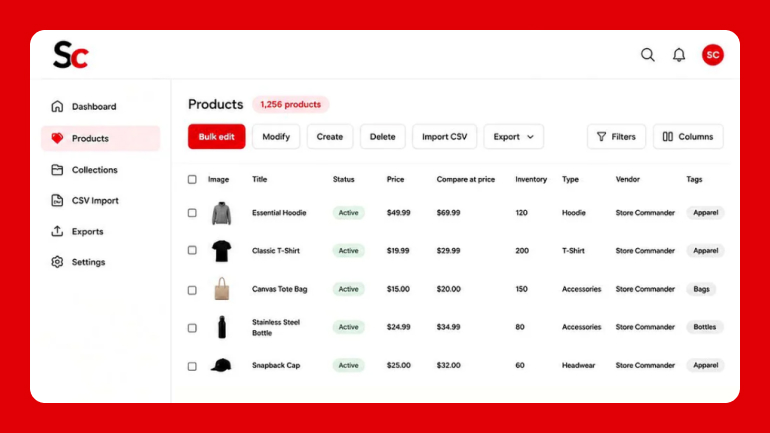
Store Commander Product Grid
Please note the number can start with a plus or minus to increase or decrease the existing price. The number can be increased by a percentage (+6%) or a fixed amount (+30). The number can be whole or a decimal, such as 5.5%.
Store Commander makes it easy to quickly apply changes across large product catalogues. Whether it is to update prices for a specific supplier or run a promotion. Either way, editing each product price individually is a thing of the past and a significant amount of time can be saved.
What’s the Chat?